Every nested VCF lab starts the same way: a heroic PowerShell script.
Ours was esxihostdeploy.ps1: ovftool plus PowerCLI, with an interactive
menu asking which environment, which ESX version, which role and how many
hosts.
It worked. It also lived on one person’s machine, prompted for credentials, and knew nothing about anything that comes after the hosts exist. Heroic, then, but not much of a team player.
This post is about what it became: a set of VCF Automation catalog items where requesting one form produces a complete nested VCF 9.1 instance. That means ESXi hosts, bringup (vCenter, NSX, SDDC Manager), a vSphere Supervisor, VCF Automation, Operations and identity. The environment number is practically the only real input.
The shape of the factory
Three stages, each a catalog item, plus a wrapper that chains them:
Stage 1  Nested ESX Hosts        VM Apps template + vRO actions
         (the old script, reborn declaratively)
Stage 2  Deploy VCF 9.1 Instance vRO workflow driving the VCF Installer API
         (spec generated, validated, bringup started)
Day-N    Supervisor · NSX Edge · VCF Automation · Ops Logs/Networks/RTM ·
         Identity (AD)           one catalog item each
Wrapper  "Deploy VCF Stack"      one form, checkbox per component
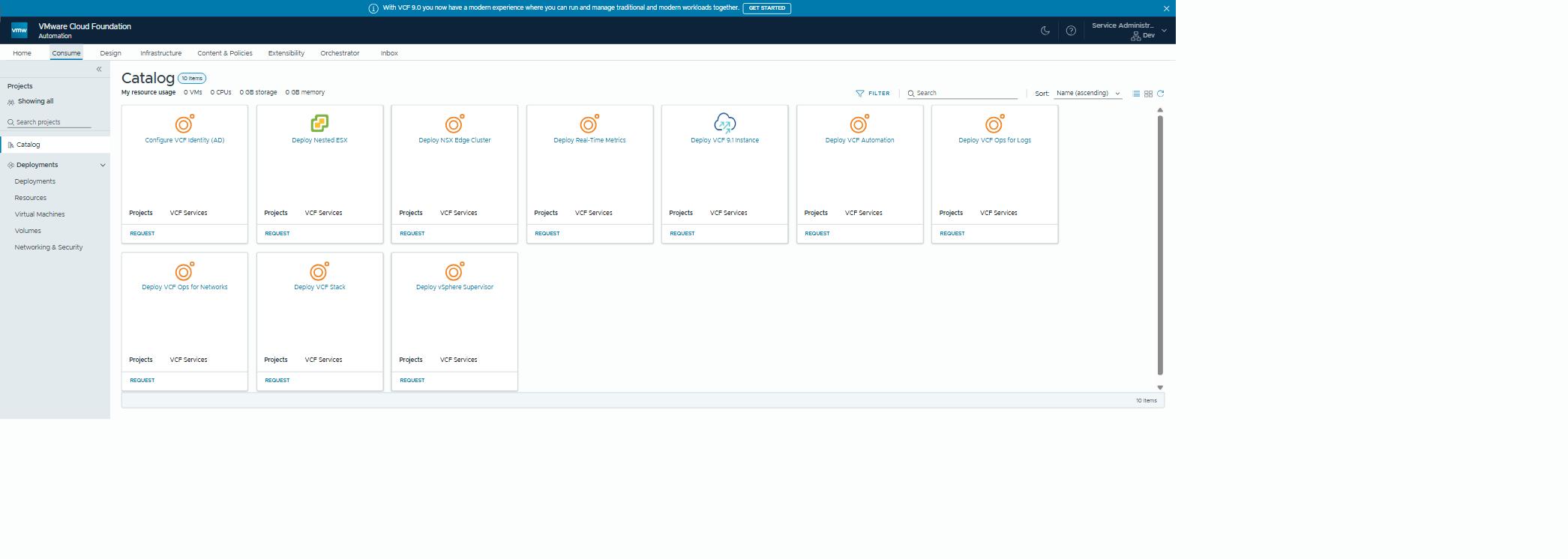
The wrapper’s form has a checkbox per component. Ticking one reveals that component’s tab, with every field already filled in. One lab password feeds every credential. Tick everything, click request, and go and make a coffee. Possibly several.
Rule 1: derive everything from one number
Each lab environment is f0X, and everything scales from X by formula:
| Element | Pattern | f03 example |
|---|---|---|
| Names | f0X-m01-* | f03-m01-vc01.res.lab |
| Subnets | 10.(20+X).<sub>.0/24 | 10.23.1.0/24 (mgmt) |
| VLANs | 2X0n | 2307 (edge TEP) |
The bringup spec is hundreds of lines of JSON, which the VCF Installer wants and nobody wants to type. A vRO action generates it from a known-good reference spec plus X. Nobody edits a deployment spec by hand, which means nobody typo-breaks a bringup at 2am.
When the old script did this, the formulas lived in string concatenation. Now they live in one action, with the reference spec beside it.
The same philosophy carried into stage 1:
- the script’s “next free esxNN index” scan became a vRO action bound to the request form;
- its VLAN/IP arithmetic became template expressions;
- its
--prop:guestinfo.*flags becameovfPropertiesin the template.
Porting a script isn’t rewriting it. It’s finding the declarative home for each behaviour.
Rule 2: never wait for anything you can watch instead
One constraint shaped the whole design. A VCF Automation request gets about
two hours before the platform gives up on it. Our runs died at exactly
two hours with Delegating token is not service token, which is a roundabout
way of saying “time’s up”.
The project’s request timeout also defaults to two hours, and its Provisioning tab can raise it. We never tried. A full VCF bringup takes longer than that, and it shouldn’t hold a request open for hours anyway. So the wrapper never waits:
- Bringup is fire-and-forget. The workflow authenticates to the
installer, validates the spec, starts the task, and hands back a
watchTaskId. Re-attach any time to check on it. - Fleet deployments (VCF Automation, Ops for Logs/Networks, metrics) are
server-side tasks. The items submit with
waitForCompletion=false. - The supervisor item submits enablement and returns; vCenter carries on.
- Only fast, deterministic steps (identity configuration, minutes) run to completion inside the request.
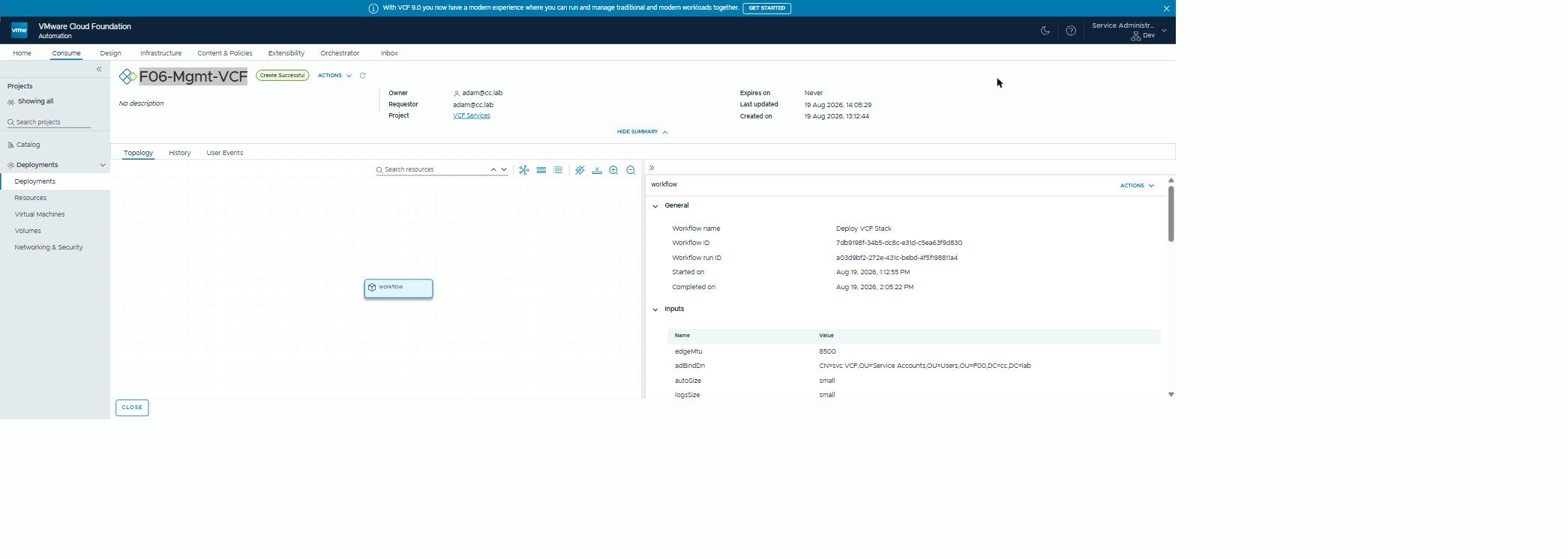 A whole VCF instance as one deployment record. The request finished in under an hour, while the build ran on for twelve.
The result: a full-stack kick-off completes as a request in well under an hour (53 minutes on the run pictured). The actual multi-hour build carries on as server-side tasks you can watch. The request’s job isn’t to do the work. It’s to start the work correctly and tell you where to watch it.
The corollary: a failed component is recorded, and the remaining components still run. You fix one thing and re-run one item, not the world.
Rule 3: plan mode for infrastructure
Every item in the chain supports validateOnly, and the wrapper cascades
it. Tick everything, set validateOnly, and the entire stack is planned
against the live environment with zero changes. Specs are generated,
prerequisites checked, and name and IP collisions caught. A smoke runner
does exactly this on every change to the automation itself.
If you build nothing else into your lab automation, build this. The number of 2am bringups saved by a five-minute dry run is not small.
The traps that shaped the rules
Some of the design above exists because of scars:
- Hardware validation hates virtual NVMe. Bringup’s hardware compatibility list (HCL) check will block nested hosts. The spec generator has to account for it, or you discover it two hours in. Twice, if you’re us.
- Small disks, surprising layouts. Nested hosts with 64 GB disks ship ESX-OSDATA at essentially the whole disk. A post-provision step relocates scratch, or stage 2 fills the disk with logs.
- DNS is a prerequisite, not a step. The installer’s pre-flight wants every record resolvable before it starts. A one-shot script creates the per-environment records ahead of the request.
- vRO’s content-source lag. A new or changed workflow takes 15–20 minutes of data collection before the catalog sees it. Publish, wait, then test, or you’ll debug a ghost.
- Wrapper inputs are duplicated by necessity. vRO requires every sub-workflow input to be passed explicitly, so adding an input to a component means updating the wrapper’s call too. Null-guards in each component turn a forgotten field into a loud failure instead of a silent default.
Why bother?
Because the payoff compounds. Once a full VCF instance is a catalog request, everything downstream changes character:
- upgrade rehearsals happen on freshly built instances instead of precious pets;
- a broken environment is redeployed, not repaired;
- the lab stops being a collection of snowflakes and becomes a product: versioned, validated, reproducible.
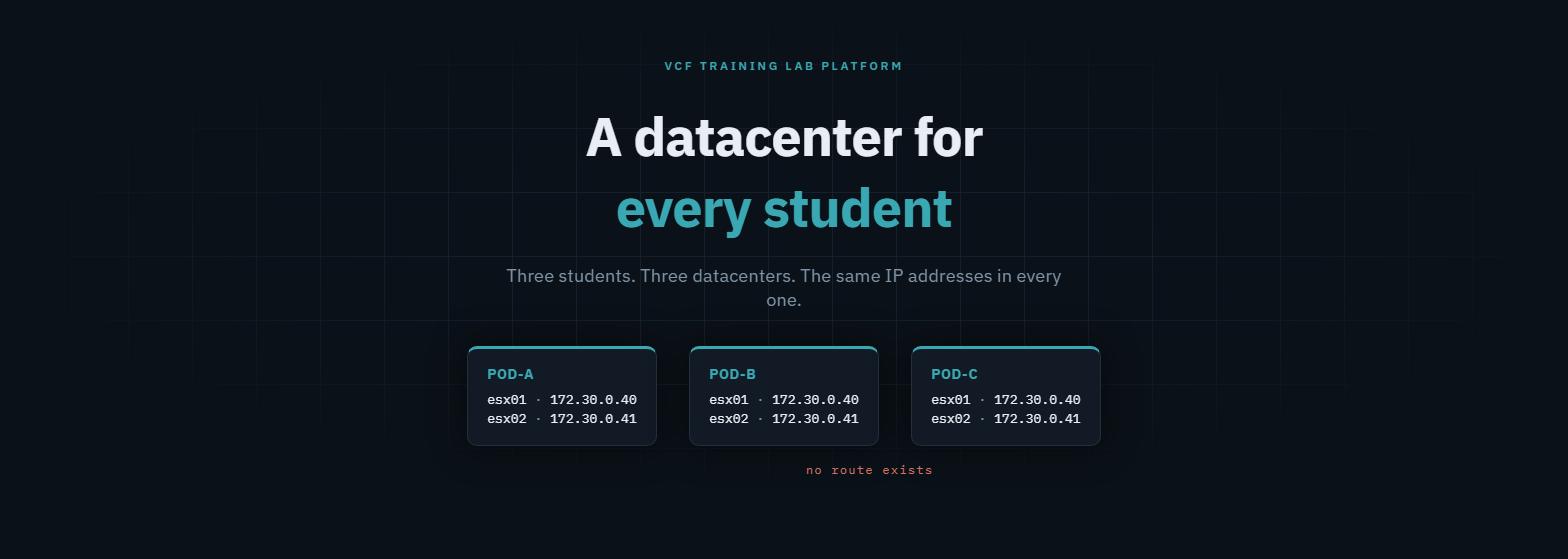 Where this is heading: the factory’s output feeding per-student pods with identical addressing.
The factory’s next customers, funnily enough, are the isolated VPC pods from the other series on this blog. Same philosophy, one layer further down.
Why this matters outside the lab
A complete VCF instance from one form changes what an environment costs to have. Environments used to be precious, because building one took a week. Now they’re disposable, and a lot follows from that:
- Proofs of concept run on an environment built for the customer’s scenario, not on whatever happens to be free.
- Upgrade and migration rehearsals happen on a fresh instance of the right version, then it’s deleted.
- Training and enablement get a real VCF per person or per team.
- Reference builds exist for every supported release, on demand.
This is how Comms-care provides a dedicated instance to every consultant. The same factory, pointed at a customer’s requirements, is a repeatable way to deliver environments, rather than a one-off project each time.
Rules learned
- Derive names, subnets and VLANs from a single environment number; generate specs, never hand-edit them.
- Respect the request-duration ceiling: start long work, return a task handle, re-attach to watch. Never block a wrapper on an hours-long task.
validateOnlyon every item, cascaded by the wrapper: dry-run the whole stack before touching anything.- Componentise failure: one broken step re-runs alone.
- Pre-create DNS; expect HCL friction on virtual hardware; budget for vRO’s content-source lag.
Broadcom documentation
- Use a JSON Specification File to Deploy VMware Cloud Foundation or vSphere Foundation: deploying VCF 9.1 from a JSON spec, which the installer validates first
- First VCF Instance FQDNs and IP addresses: the FQDNs, static IPs and forward and reverse DNS every component needs
- Add VCF Operations Orchestrator Client workflows to the VCF Automation catalog: vRO workflows as catalog items, through an Orchestrator content source
- vSAN ESA Deployment: Override HCL Validation for Non-Certified Hardware: the installer’s vSAN ESA disk check against the HCL, and the documented override
- Bill of Materials 9.1.0: the components and builds of VCF 9.1.0
- Add a project for your VCF Automation for VM Apps development team: a project’s request Timeout on its Provisioning tab, two hours by default
Lab environment; opinions my own. The automation described builds nested VCF 9.1 instances for lab and rehearsal use — patterns transfer, specifics are ours.